Data that moves as fast as you do
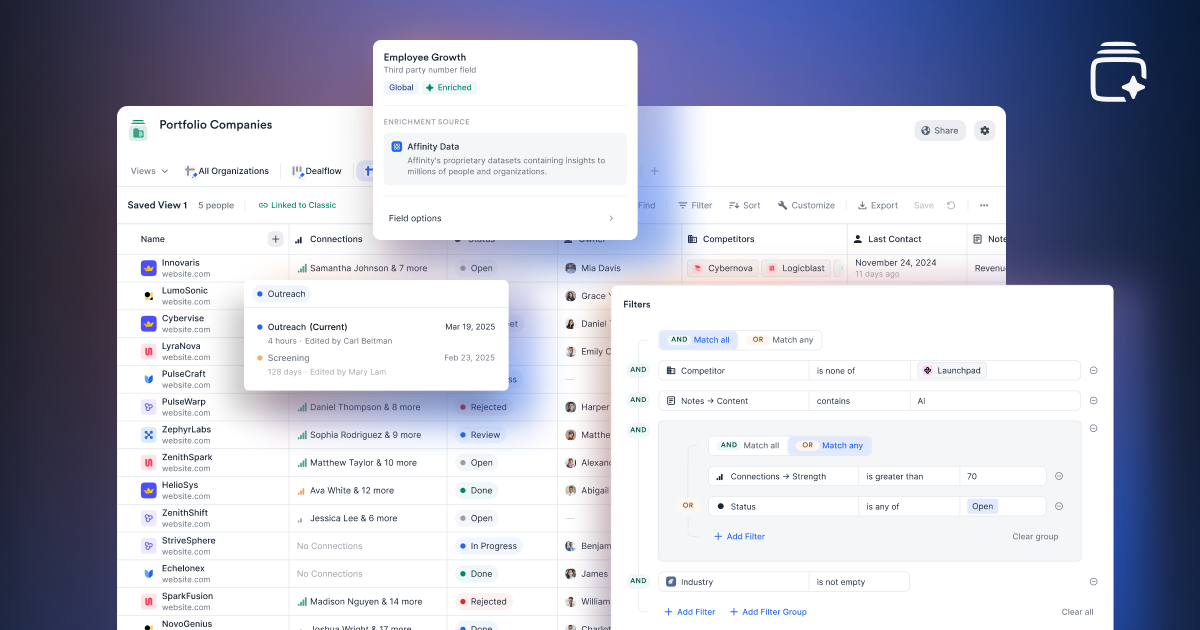

We rebuilt Lists so you can stop fighting your tools and start moving faster.
For months, we've heard the same feedback: Lists are too slow, filters are too basic, and editing takes too many clicks. You've been exporting to Excel just to do basic work, and when you're managing thousands of rows, that's not a workaround—it's a problem.
So we rebuilt Lists from scratch.
What's different
New Lists are built for speed and flexibility. They handle large datasets without lag, filter across all your data with AND/OR logic, and let you edit records in one click instead of three.
Faster performance
Lists load instantly, even with large datasets. No more staring at loading screens or exporting to Excel because the platform can't keep up.

One-click editing
Updating records is faster. Adding companies to lists is faster. You spend less time clicking through menus and more time working with your data.

Advanced filtering
You can now filter with AND/OR logic, use expanded operators, and create filter groups. If you need to find companies that meet multiple criteria across different fields, you can do that in seconds.

This is an opt-in beta. New Lists are live now, and you can try it without committing. If something doesn't work for your workflow yet, you can switch back to Classic Lists anytime.
As we add functionality from Classic Lists to the new experience, you can track progress and upcoming enhancements in our Help Center, where we’ll post updates regularly.
Why we did this
Lists are critical to how firms manage deal flow, track relationships, and organize pipelines. When they don't work well, everything else suffers.
This rebuild is about making sure your tools keep pace with how fast you need to move. You shouldn't have to export data to a spreadsheet to do your job. You shouldn't wait 10 seconds for a list to load. And you definitely shouldn't need to click through five steps to update a single field.
Lukas Huber at Speedinvest said it best:
“The new List experience feels materially more modern and intuitive. The interface is cleaner, the performance is noticeably faster, and being able to filter by connection score is a real step forward in how we qualify opportunities.”
We think you'll agree.
Related Articles


Put your firm’s network to work